
Local Club enables you to send review requests to customers via text and email. Upon receiving the review request, customers can post their reviews on the sites you have added.
If your customers do not receive review requests through text, you can troubleshoot this issue within your Local Club account.
There may be two reasons why your customers are not receiving review requests via text:
- Image size doesn't meet the required specifications:
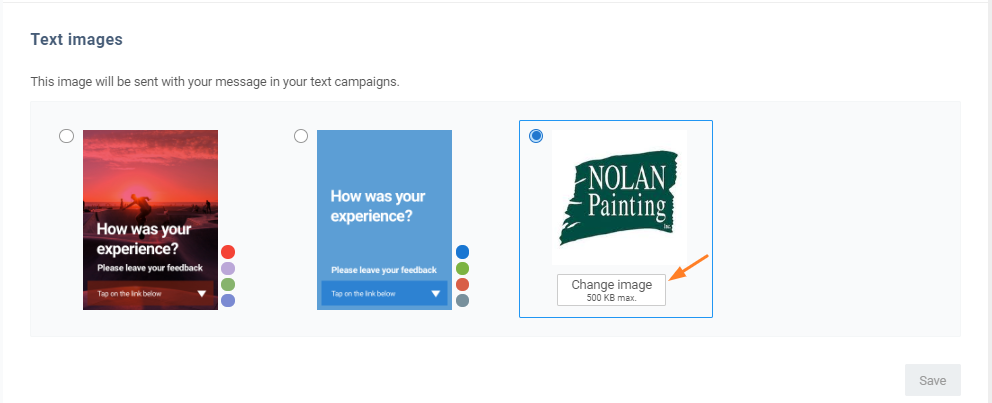
Local Club allows you to include an image in your review requests by using the 'Setup branding' button located under the 'General' tab of a template. By default, this functionality is turned off within the 'Text' template.

If you want to send a customized image (such as your company logo) along with your review request, ensure that the image size does not exceed 500 KB. Additionally, the image format must be either .jpg, .png or .gif. If the image size is incorrect, you can resolve the issue by uploading the correct image or by selecting one of the default templates.
- Network or provider issue: Sometimes, the network provider may experience issues that prevent the delivery of text messages to some subscribers. If this happens, only some customers may not receive the review request text. To verify this, check whether only a single customer is experiencing this issue or if all of your customers are not receiving review request texts.
If the problem persists, please reach out to us at saro@thelocalclub.io